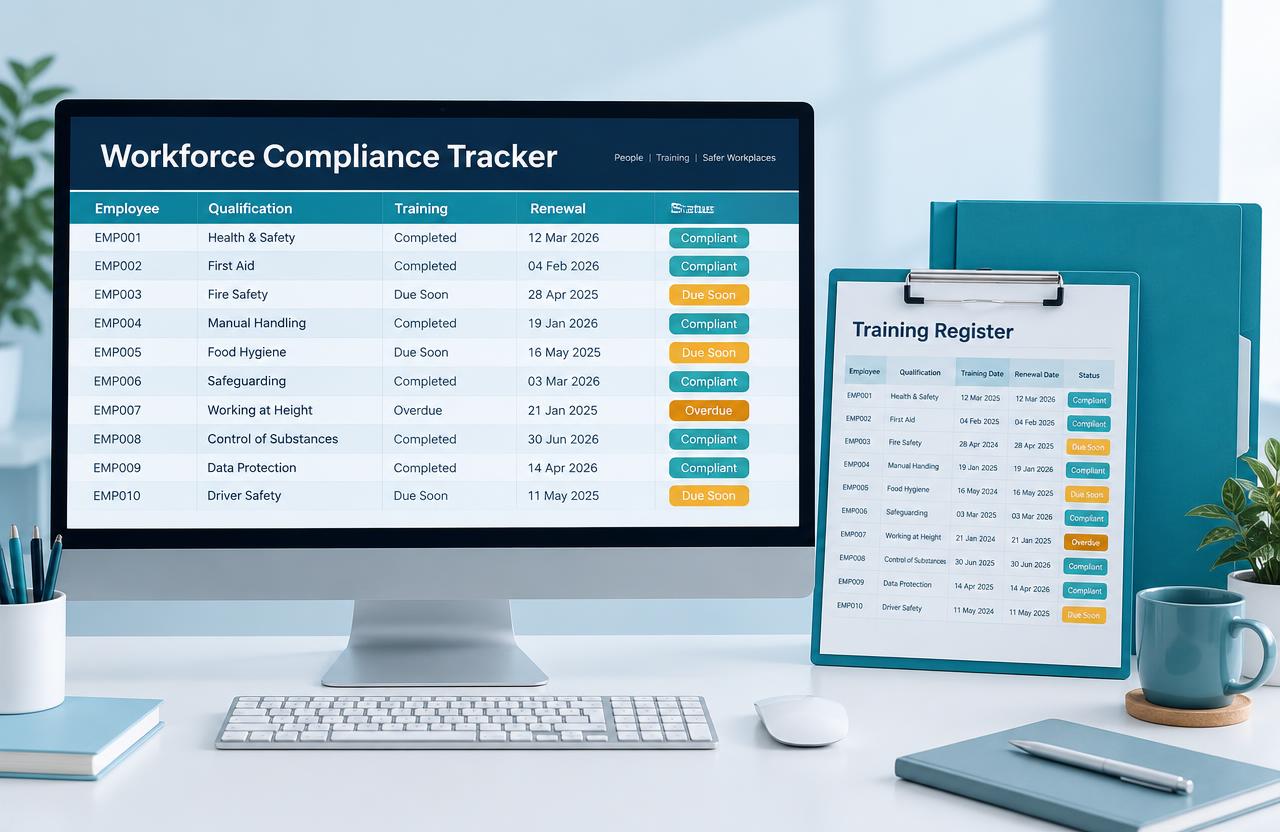
Recognise the friction
This guide suits owners and team leaders who manage people through several spreadsheets, email attachments and reminders. Warning signs include multiple versions of the same register, dates nobody owns, and repeated requests for records that should be easy to find.
A spreadsheet can still be the right tool for a small team. The question is whether your current approach supports the number of users, access needs and decisions involved—not whether a larger platform looks more impressive.
Define the records you actually need
List the information needed for everyday work: team roles, relevant training, document references, renewal dates or availability. Distinguish information that must be maintained from information that is merely interesting.
Name a record owner and define how updates are checked. A training entry or uploaded document does not by itself prove competency, current authorisation or compliance; requirements must be established for your actual industry.
Protect people information
Workforce records may contain personal or sensitive information. Decide who needs to view each field, who can change it and whether managers should see only their own teams. Collect no more than the task requires.
Check the provider's actual access, retention, export and recovery arrangements before moving records. Test with the roles people will use, rather than assuming an administrator's successful test proves restricted access works.
Create useful reminders and reports
Reminders should go to someone able to act, early enough to arrange the next step. Define what happens when an item remains unresolved and avoid treating a notification as evidence that the action occurred.
A management view might show overdue items, upcoming renewals and missing records. Agree the definitions and reporting date so those figures are interpreted consistently. Correct recurring problems at the source, not only in the report.
Move gradually and teach the routine
Clean a representative sample before importing everything. Test dates, categories, duplicates and record ownership, then reconcile the new view against the source. Keep a clear transition plan identifying which record is authoritative.
Give staff practice updating their records and managers practice reviewing exceptions. Plan support after launch, when less common cases appear.
- List required records and the person responsible for each.
- Check relevant industry obligations with qualified advisers.
- Agree access, retention and correction processes.
- Reconcile a sample migration before expanding.
- Practise updates, reminders and exception handling with users.
Where BergMetric can help
Digital Systems & Workforce Management can help structure registers, simplify administrative workflows and create useful oversight. Training & Change Support can help the team use the agreed system consistently.
The potential benefit is easier retrieval, clearer responsibility and fewer avoidable missed follow-ups. The system supports oversight; it does not replace employer responsibilities or independent compliance advice.
The practical takeaway
A workforce system earns its place through accurate records, appropriate access and a routine your team can maintain.
General educational information only. Consider your organisation's circumstances and seek qualified advice for legal, financial, privacy or regulatory decisions.